
a tiny Mac app, made for one annoying moment
Snap the Wi-Fi code.
Skip the password.
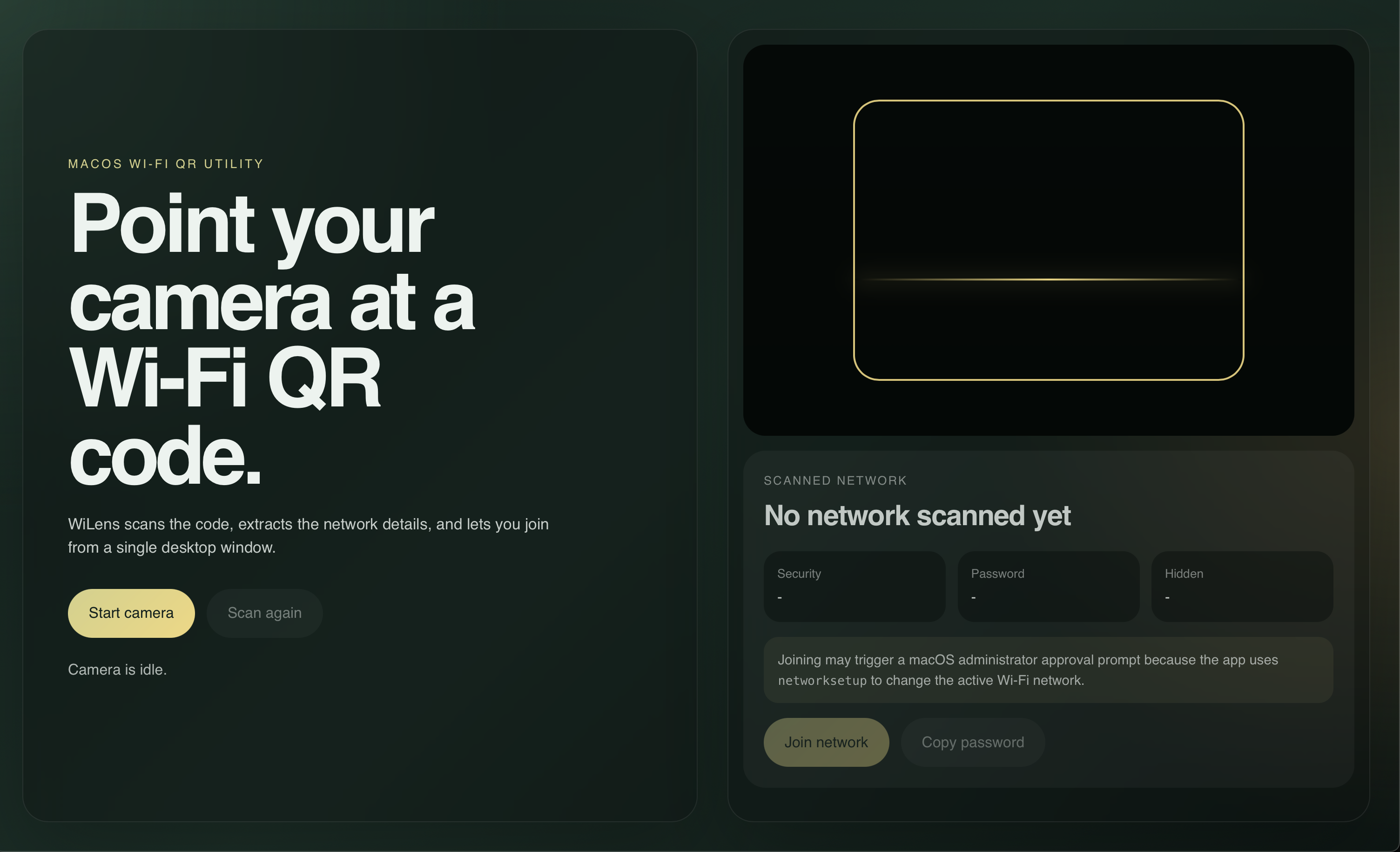
WiLens points your Mac's camera at a Wi-Fi QR code, shows you the network, and joins it. No more squinting at a 24-character password taped to the café counter.

How it works
three snaps, that's the whole thing
1 point it at the code
- SCANNED NETWORKCafe_WiFiWPA2••••••visible
2 check it's the right one
- connected
3 join. done.
Small on purpose.
- Reads any standard Wi-Fi QR: router stickers, café menus, a friend's phone screen.
- Shows the network and security type first. Nothing joins until you click.
- Everything happens on your Mac. No account, no server, no analytics.
- Free and open source, MIT licensed.
Get it.
WiLens is a side project, so it isn't notarized by Apple (that costs $99 a year). macOS asks you to confirm the first launch. It takes about ten seconds. On Windows, the installer is unsigned for now, so SmartScreen asks once too.
INSTALL · APPLE SILICON
- Drag to ApplicationsOpen WiLens.dmg and drag WiLens into Applications.
- Open it oncemacOS says it can't verify the developer. Click Done.
- Allow itSystem Settings → Privacy & Security → scroll down → Open Anyway.
IF IT SAYS "DAMAGED"
Older downloads can trip this. Run once in Terminal, then open WiLens again:
xattr -dr com.apple.quarantine /Applications/WiLens.appINSTALL · WINDOWS X64 (BETA)
- Run the installerOpen WiLens-setup.exe. It isn't signed yet, so SmartScreen asks first: More info → Run anyway.
- Allow the cameraSettings → Privacy & security → Camera → Let desktop apps access your camera.
- Optional: LocationTurn on Let desktop apps access your location so WiLens can confirm the join (Windows 11 24H2+).
THANK YOU · COME AGAIN